
Definitive guide
Business Email for Startup
Creating a Professional Business Email for Your Startup
It is impossible to overstate the significance of having a professional email. In fact, sending one to your target audience can significantly affect your overall performance if you manage a startup business. Here are three steps you can follow if you need help figuring out where to start.
Step 1: Choosing Your Business Email Provider
Depending on your country, there are lots of options online. I, too, have always been particular about which provider to choose, but I’ll suggest something ideal for startups. Consider these three factors: storage, security, and integrations.
Factor #1: Storage
Everyone knows what storage is for to keep something safe and hidden but still accessible by trusted individuals. If you have many emails that are too important to lose, choose an email provider that can give you the space you need. If interested, One.com offers two different mail plans with unlimited mailbox sizes for $5.04/month and $2.29/month billed yearly. Whatever you choose, you can access your messages on all devices, such as phones, tablets, and computers, anywhere you are. Check out these features:
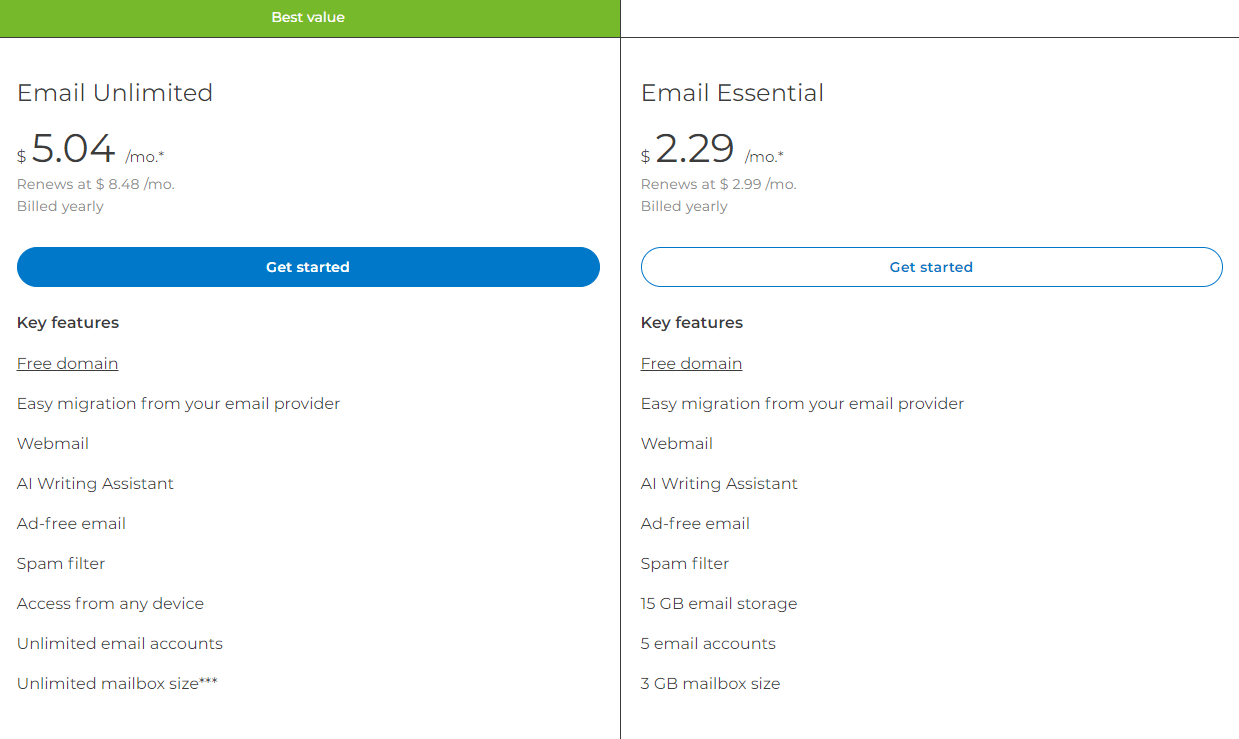
(One.com’s email hosting packages)
Factor #2: Security
It would be best if you had protection when you’re active online. Malicious activities are all too prevalent. It’s a shame, but thanks to email providers who go the extra mile to ensure our files are safe from harmful access. If you want, One.com’s email services have first-class security. Feel at ease with hosting supported by end-to-end encryption and an uptime of 99.99%.
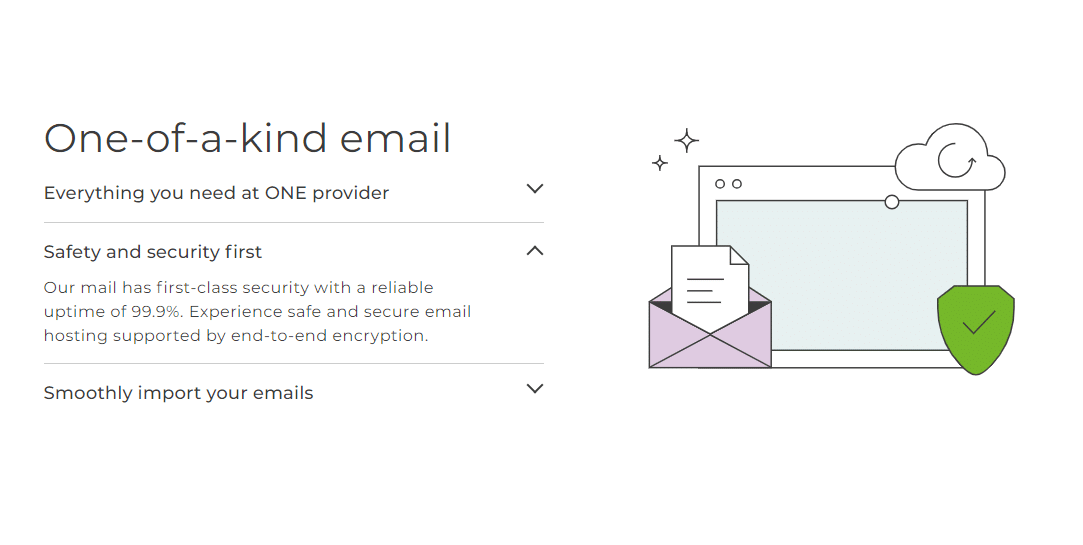
(One.com’s safety and security)
Factor #3: Integrations
Startups can be challenging, especially since you’re just starting, but I suggest integrating your emails as soon as possible. Instead of visiting too many platforms, why not put everything you need in a single place to save time and minimize distractions?
Feel free to choose One.com if you’re looking for help. Although they only have two options (Email Unlimited and Email Essential), both have everything you need to start quickly and efficiently. With its integrated import tool, transferring your inbox messages from a free provider like Gmail, Yahoo!, or Hotmail to your new account is a breeze.
Step 2: Setting Up Your Business Email
Setting up your business email might seem easy, but finding the right one for your needs requires careful consideration. When choosing an effective email username and domain, consider affordability and quality. One.com can help you buy a domain within your budget. They also provide a variety of suggestions if you need help with your username. Special offers are available, but only for the first purchase term. After that, you will be charged the current standard price. Nonetheless, it’s a win.
Here’s a step-by-step guide to setting up an email account with One.com.
1. Click this link to be directed to their website.
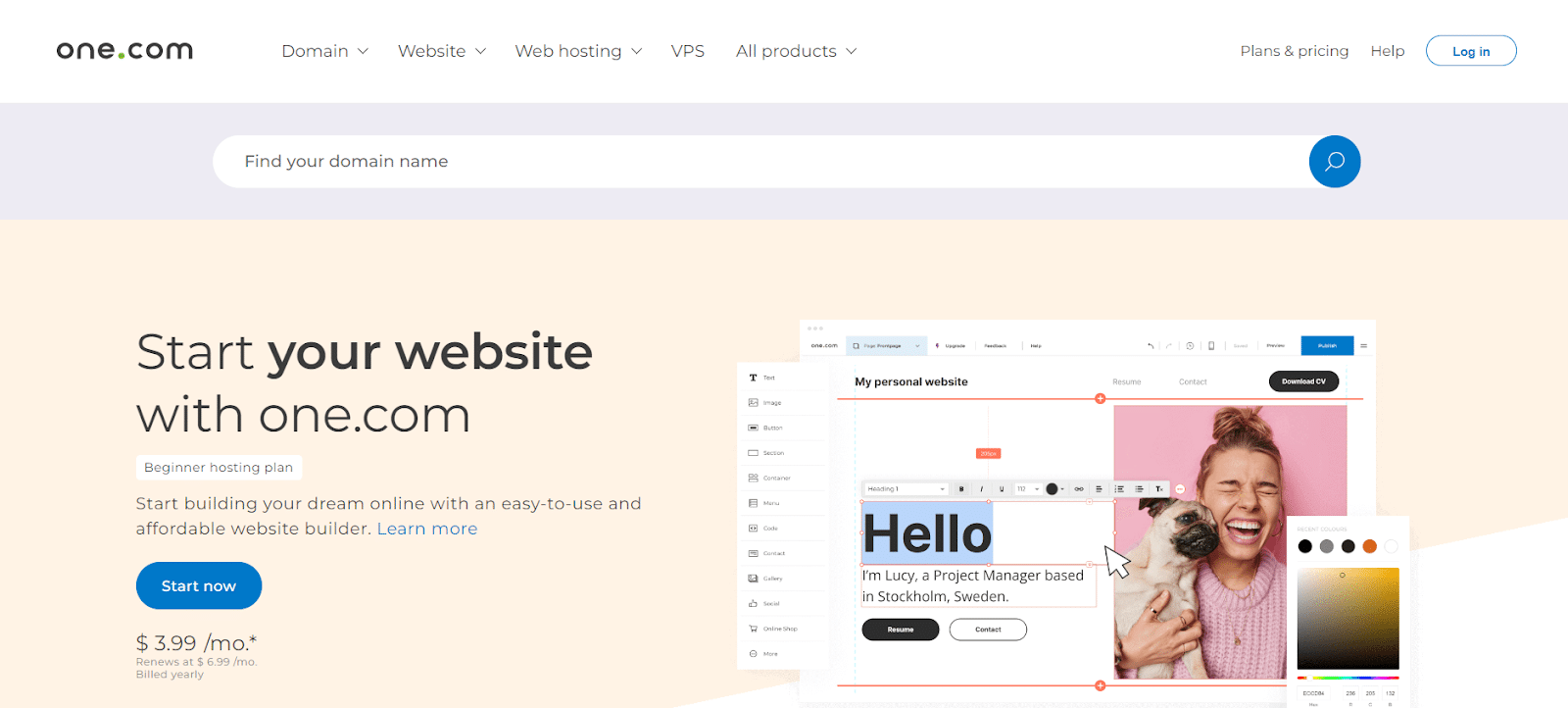
(One.com’s website)
2. Select a plan for your email needs. They offer two options: Email Unlimited for $5.04 monthly and Email Essential for $2.29 monthly. Once you’ve decided, click the “Get Started” button to start immediately.
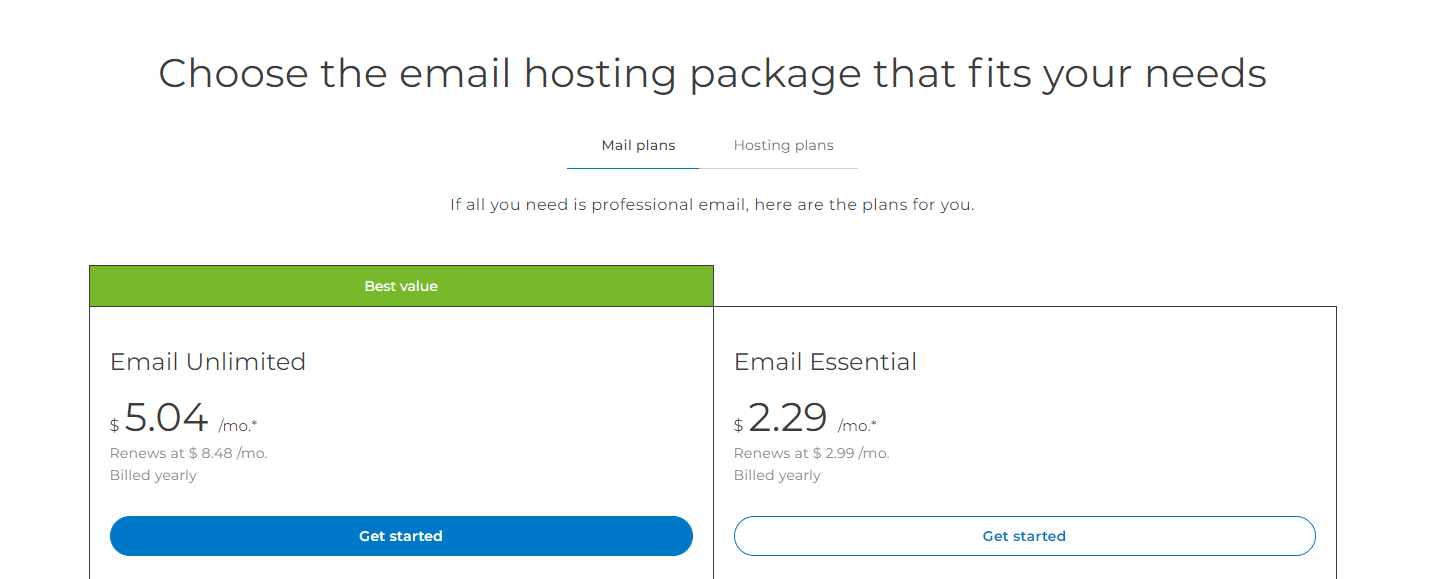
(One.com’s email hosting packages)
3. Select a domain for your business or personal use. Domain registration and web hosting services are seamlessly integrated here. Special offers are also an option, but they are only available if you register a new domain.
4. Head straight to payment.
Four steps are easy to follow. A tip: pick a word significant to your business whenever you think of a username or domain. Don’t be extra. Although being fearless is good, your audience will only remember something if it’s easy to think of. Look for a connection between you and your brand.
Step 3: Consider How to Manage Your Email Effortlessly
Upon completing your professional email, consider these four guidelines for an enjoyable experience. Read the tips I’ve prepared below to start immediately.
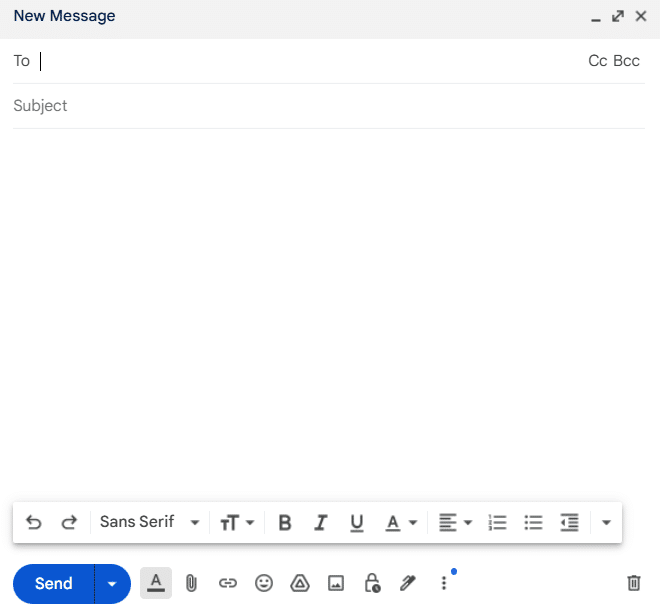
4 Easy Tips to Consider When Managing Your Professional Email
Tip #1: Avail Business Email Security
There’s no foregone conclusion in the online world. You could have your dream traffic today and get hit by a bug the next day. Security means assurance. You wouldn’t want to be someone crying in the middle of the night trying to retrieve several lost files. If you wish to, One.com offers two-factor authentication and SSL/TLS. You can also experience an exceptional built-in spam filter to ensure your email remains secure and free from clutter.
Tip #2: Organize Your Email for Maximum Efficiency: Use Folders, Tags, and Filters
An uncontrolled inbox can be stressful. Fortunately, strategies exist to streamline your email inbox and enhance its manageability, such as using folders, tags, and filters!
Use of Folders, Tags, and Filters
Incorporating tags strengthens your ability to track the effectiveness of your messages. You can label your files as “ABCD,” “12345,” or anything else that holds significance for you. That way, you can find any material within seconds. It may seem overwhelming to categorize every message now and then, but practice makes a difference. Your future self will thank you for the convenience.
Aside from tags and folders, you can also automate workflows with filters and rules. Email filtering is a common practice to identify spam, viruses, and malware before they are delivered to a user. Gmail, for example, expertly sorts emails into categories, all determined by the content and the sender’s reputation.
Tip #3: Integrate Your Email with Other Tools
To avoid schedule conflicts, you can integrate all your emails by using a calendar to manage all future meetings or appointments. Leading a business is already hard. Make sure to ease your life a little. If you need help figuring out where to start, transferring your email contacts from free services like Gmail, Yahoo!, or Hotmail to your new account is a breeze with One.com’s integrated import tool. A web hosting membership with them includes access to their online calendar, so appointments and meetings can be made quickly and conveniently.
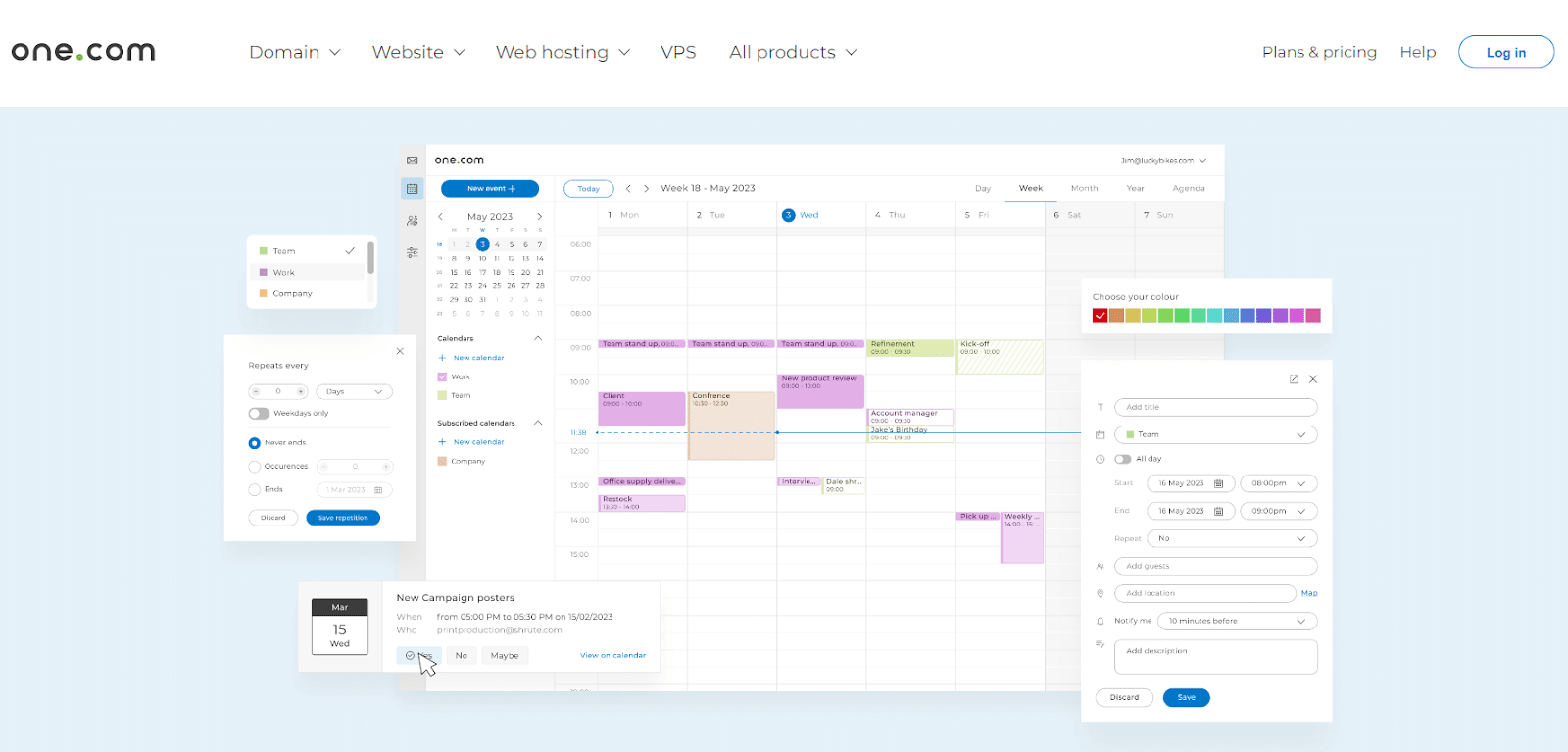
(One.com’s calendar)
Follow these steps to get started:
1. Click this link to be directed to their website.
2. Choose One.com’s email hosting plan for only $2.29 /month for the first year. This offer is only applicable for the initial purchase term. After that, you will pay the current standard price, $2.99 monthly, billed yearly.
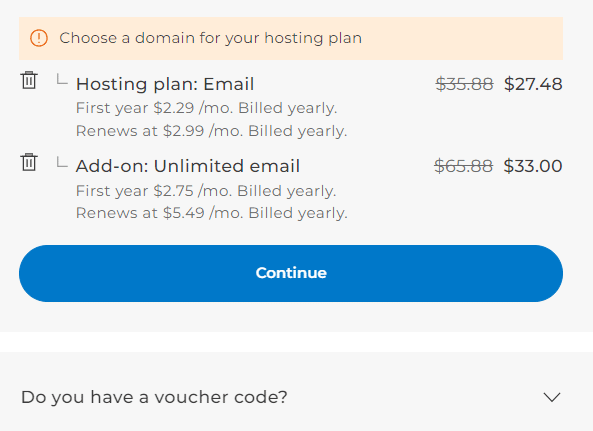
3. Head straight to payment. Three easy steps!
Tip #4: Personalize As Needed
Managing your emails can become boring if you do it often. If you reach that point, try personalizing their appearance as needed. With One.com, you can choose your preferred mode, color themes, and reading panes. Work comfortably in your home by unleashing your style.
Conclusion
Due to its versatility and user-friendliness, email is a successful tool for startup businesses. Take your time to consider it. To start your journey, follow the steps above. A professional email may be the least of all your corners, but it is always an excellent decision if you want to connect and promote.